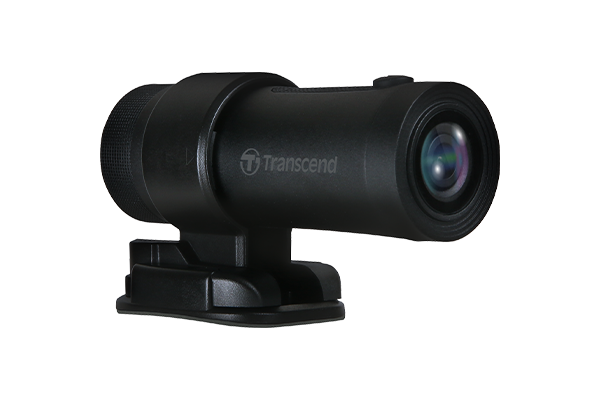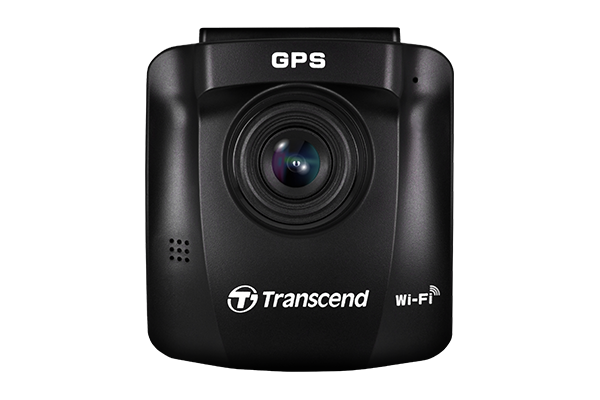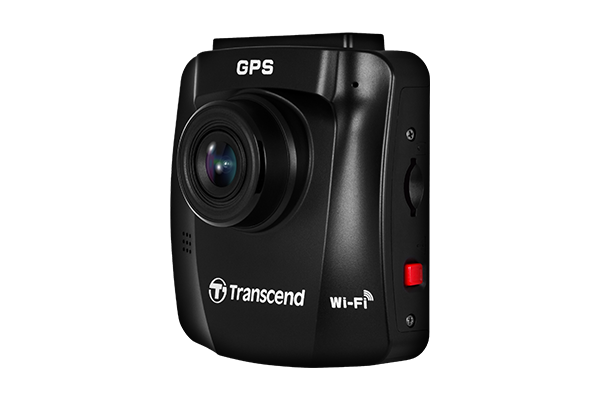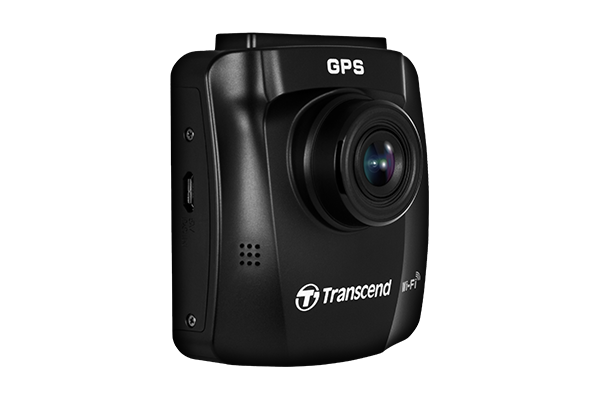
Transcend DrivePro 250 Dash Camera for Car | Dashcam for Cars | Car Dash Camera |2K QHD 1440P| Sony STARVIS™ | WiFi | GPS | Build-in Battery&Display
Checkout securely with
Transcend's DrivePro 250 dashcam was designed with both style and safety in mind. The DrivePro 250 features a high-sensitivity image sensor to capture high-resolution videos with extremely fine tonal gradation even in low light. In addition, it features a GPS/GLONASS receiver, a built-in battery, a handy snapshot button, and Wi-Fi connectivity. More than just a safety device, Transcend's DrivePro 250 is a fellow traveler ready to explore more of the world with you.
Transcend offers free software, DrivePro Toolbox. Featuring video sorting function, smooth video playback, videos editing, screenshot, and map view for models with built-in GPS/GLONASS receivers, it creates more convenient experience for DrivePro users!
Transcend's DrivePro App is designed specifically for use with DrivePro dashcam models featuring Wi-Fi connectivity. It allows streaming and downloading of recorded files to mobile devices quickly and conveniently.
Shows current speed and driver safety alerts, including LDWS, FCWS, headlight reminder, and driver fatigue alert.
Activates recording when motion is detected, even when you’re away from your vehicle.
Prevents accidents by issuing a warning when the vehicle veers out of a lane.
Warns the driver when the vehicle is getting too close to the car ahead.
Issues an onscreen alert with a warning sound whenever the vehicle's speed exceeds a preset value.
Prevents overwriting of the file being recorded at the time when the G-sensor detects an impact.
Takes you right to the heart of the matter without needing to view hours of incident-free video.
Automatically activates when the DrivePro detects poor lighting conditions.
Regularly reminds the driver to rest after driving for a self-defined period of time.
Balances the light and dark areas of captured images, ensuring that every critical shot is as clear as possible.
Allows you to take photos while recording a video. You can also remove the DrivePro from the vehicle to create a photographic record of collision damage.